

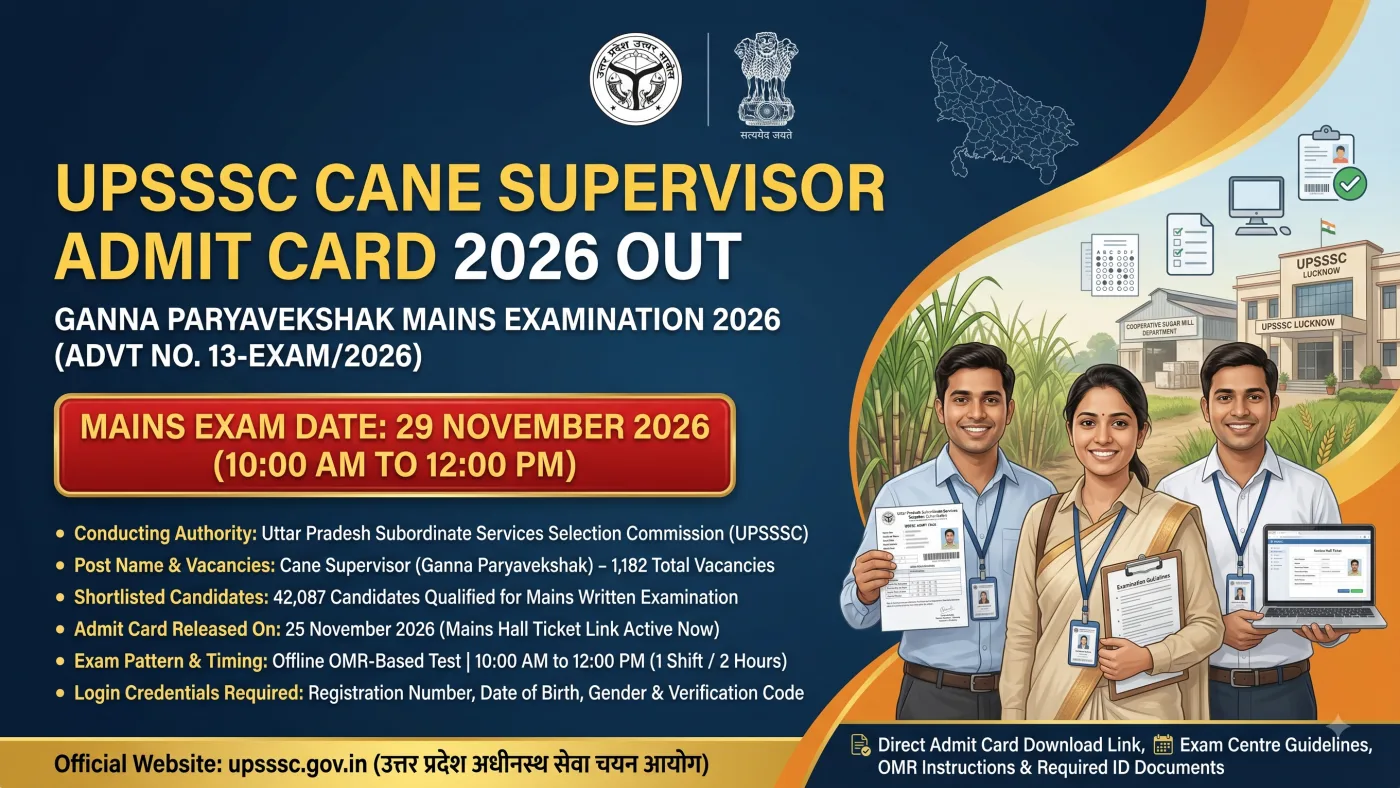
UPSSSC released the UPSSSC Cane Supervisor Admit Card 2026 (गन्ना पर्यवेक्षक मुख्य परीक्षा प्रवेश पत्र) on 25 November 2026 for the Main Exam under Advt. No. 13-Exam/2026 (PET-2025)/14. The exam is on 29 November 2026, 10:00 AM to 12:00 PM, for 1,182 Cane Supervisor posts in the Cane and Sugar establishments. Only shortlisted candidates who have paid the mains fee can download it.
Quick Summary (एक नज़र में)
| Item | Details |
|---|---|
| Commission | Uttar Pradesh Subordinate Services Selection Commission (UPSSSC), Lucknow |
| Exam | Cane Supervisor (Ganna Paryavekshak) Main Exam (PET-2025)/14 |
| Advertisement | 13-Exam/2026 |
| Total posts | 1,182 |
| Admit card released | 25 November 2026 (notice No. 281/18) |
| Exam date and time | 29 November 2026, 10:00 AM to 12:00 PM (one shift) |
| Login fields | Registration No. + Date of Birth + Gender + Verification Code |
| Condition | Mains fee must be paid first (UR/OBC ₹200, SC/ST ₹80, PwD nil) |
| Other ways to get it | UPSSSC Android app and the link sent to your registered e-mail |
| Official website | upsssc.gov.in |
Fee First, Then Admit Card: The One Rule That Blocks Most Downloads
All three UPSSSC notices for this exam (12, 19 and 25 November 2026) repeat the same line: the admit card opens only after the mains fee is paid (शुल्क जमा करने के उपरान्त ही प्रवेश पत्र डाउनलोड होगा). Being on the shortlist is not enough.
| Category | Mains fee |
|---|---|
| Unreserved (UR) and OBC | ₹200 |
| SC and ST | ₹80 |
| Divyang (PwD) | No fee |
If you have not paid yet, use "Main Examination Fee Deposition" on the UPSSSC home page today. The exam is on a Sunday morning, so do not leave this for Saturday night. You can check whether you were shortlisted in our UPSSSC Cane Supervisor Eligibility Result 2026 post, which covers the 12 October shortlist and the fee steps in detail.
How to Download the UPSSSC Cane Supervisor Admit Card 2026
- Open upsssc.gov.in. In the Examination section of the home page, click "Download MAIN Exam Admit Card". The same page also opens from the Notice Board line for Advt. 13-Exam/2026 dated 25 November 2026.
- The page is titled "Download Admit Card For The Main Examination". Fill in the fields listed below.
- Click Submit (the page calls it the "Download Admit Card" button).
- Check that the admit card says Cane Supervisor (13-Exam/2026), not Moharir or any other mains held this week.
- Print it on plain A4 paper. Keep a second print and a PDF copy on your phone.
Exact Login Fields on the UPSSSC Admit Card Page
| Field | What to enter |
|---|---|
| Candidate Registration No. | Your UPSSSC registration number. The box takes digits only, up to 11 digits. |
| Date of Birth (DD/MM/YYYY) | Three drop-downs: Day (01–31), Month (JAN–DEC), Year |
| Gender | Male or Female, from the drop-down |
| Verification Code | The 5-character code shown on screen |
The page states that details must be exactly the same as entered in the UPSSSC application form. It also says the admit card shows only if your application status is not "Rejected" and the exam has been scheduled for you.
Two Other Ways UPSSSC Gives You the Admit Card
- UPSSSC Android mobile app: the 25 November notice says the admit card is available in the Commission's official app as well.
- Registered e-mail: UPSSSC has also sent a download link to the e-mail ID you gave in your application. Check the Spam / Promotions folder too.
Exam District Slip vs Admit Card: Don't Carry the Wrong Paper
On 19 November 2026 (notice No. 270/18) UPSSSC released the Advance Intimation of Exam District (परीक्षा जनपद की अग्रिम सूचना). It told you only the district, so you could plan travel. That notice clearly said: "यह मुख्य परीक्षा के लिए प्रवेश पत्र नहीं है" — it is not the admit card.
| Document | Released | What it shows | Valid for entry? |
|---|---|---|---|
| Advance Intimation of Exam District | 19 November 2026 | Exam district only | No |
| Main Exam Admit Card | 25 November 2026 | Exam centre, roll number, reporting time and instructions | Yes (mandatory) |
Both pages use the same login fields, which is why some candidates download the district slip twice and think they have the admit card. The admit card page heading reads "Download Admit Card For The Main Examination". The district page reads "Advance Intimation of Exam District".
Exam Day on 29 November: What the Notice Requires
- Timing: the paper runs from 10:00 AM to 12:00 PM (पूर्वाह्न). Your reporting time and gate-closing time are printed on your admit card; follow that, not a time from social media.
- Valid admit card is compulsory: the notice states that a candidate must bring a valid admit card to sit the Main Exam (वैध प्रवेश पत्र लाना अनिवार्य है).
- Read the instructions on the admit card: UPSSSC asks candidates to study them carefully. The ID proof you must carry and the list of banned items are on the admit card itself, so read them the evening before.
- Same centre, same time: you must appear at the centre and time shown on your admit card. Centre change requests are not mentioned in any notice.
The UPSSSC Moharir Main Exam is held on the same day in a separate shift; candidates for that exam should see the UPSSSC Moharir Eligibility Result 2026 post.
Admit Card Not Downloading? Check These First
- "No record" message: most often the mains fee is unpaid or the payment did not update. Log in to Main Examination Fee Deposition and check the payment status. If money was debited but the status shows unpaid, do not pay again straight away — use "Update Your Transaction ID By Double Verification Mode" on the home page.
- Wrong date of birth or gender: enter them exactly as in your application form, not as in a later document.
- Forgot registration number: use "Know Your Registration Number" on the UPSSSC home page.
- Application rejected: the page will not show an admit card if the application status is "Rejected".
- Site slow: try the Android app or the e-mail link, or try again early in the morning.
Details to Check on Your Admit Card
Before exam day, match these with your application form: your name, father's/husband's name, date of birth, gender, category, photo and signature, roll number, the exam name (Cane Supervisor Main Exam (PET-2025)/14), date and shift, and the centre address. If anything is wrong, contact UPSSSC through the helpdesk details on the official website before 29 November.
After the Main Exam
UPSSSC has not yet given dates for the Cane Supervisor answer key or result. For other mains exams held this month, the Commission has posted a provisional answer key with an objection window on its Notice Board a few days after the exam. More UP updates are on our Uttar Pradesh page, and all live hall tickets are listed under Admit Card.
Source & Verification: UPSSSC notice No. 281/18/Computer Section (12)/2026/13-Exam/2026 dated 25 November 2026 (admit card), notice No. 270/18 dated 19 November 2026 (exam district intimation) and notice No. 257/18 dated 12 November 2026 (mains fee), Advt. No. 13-Exam/2026, upsssc.gov.in; login fields taken from the official admit card page. Last verified: 26 November 2026.
User Discussion & Comments (0)
No comments yet. Be the first to leave a comment below!
Leave a Comment / Ask a Question: